Automation
Secrets
Secrets keep API keys and other credentials out of your flows, your prompts and your logs. You store a value once in the workspace, then refer to it by name wherever it is needed — and it is never shown again, not even to you.
Storing a secret
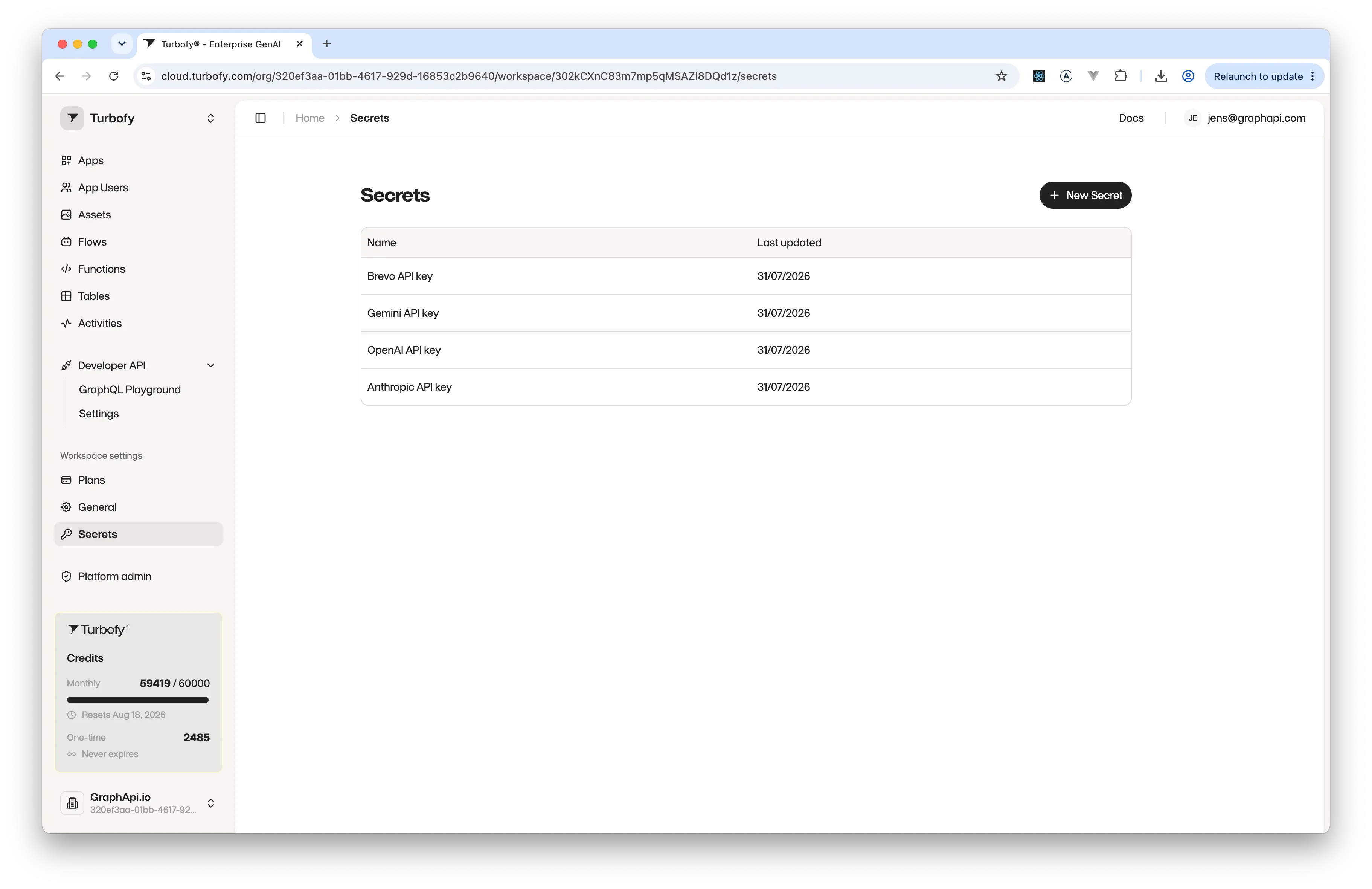
Secrets live under Workspace settings. The screen lists what you have stored — the name and when it was last updated, never the value itself.
New Secret asks for just two things: a name to refer to it by, and the value itself, up to 4096 characters.
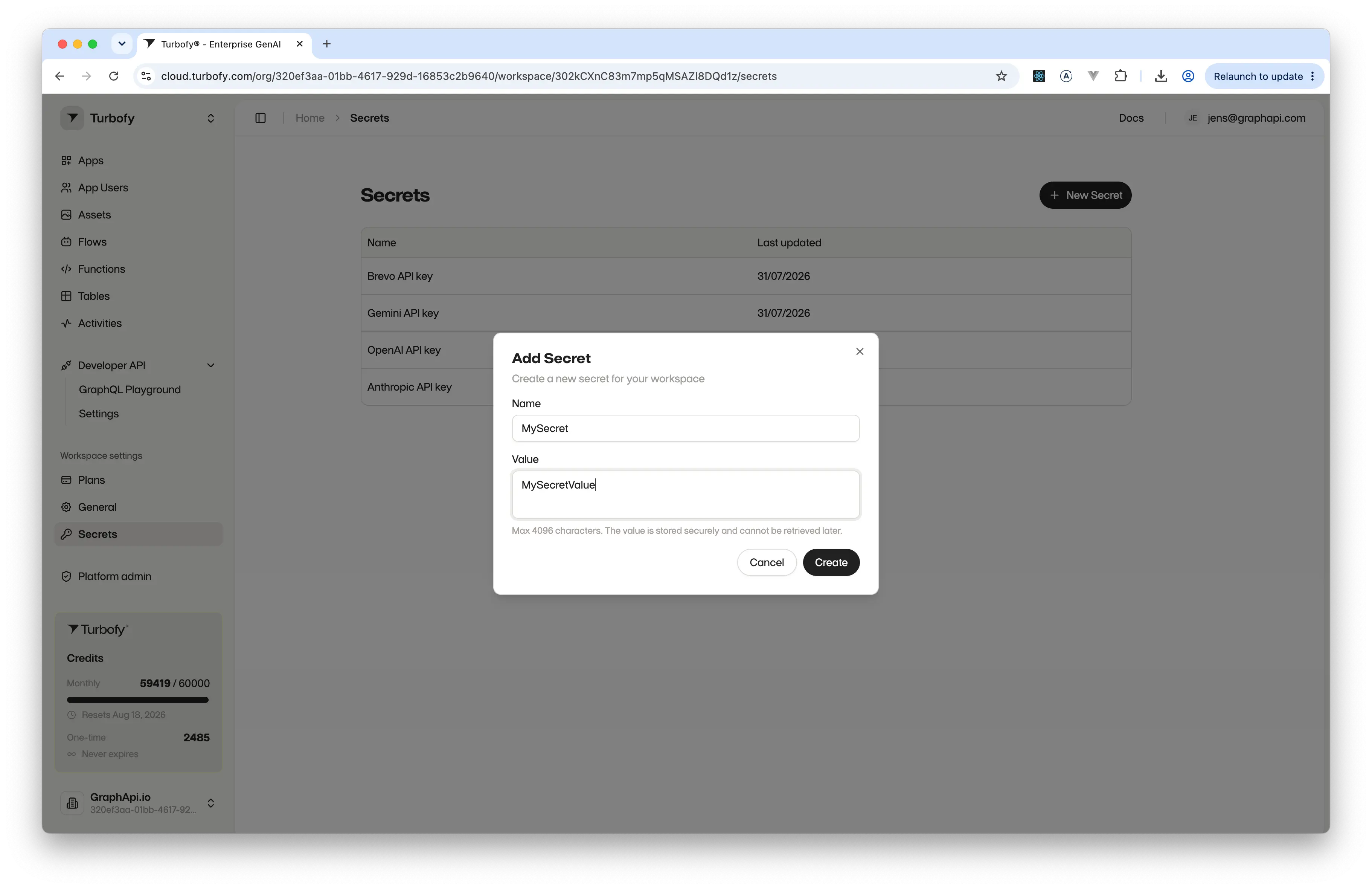
OpenAI API key reads better than key1 when you pick it in a flow.Paste the value in from wherever it was issued: once you press Create, it cannot be read back out of Turbofy by anyone. If you lose it, issue a new one at the source and store that.
Using secrets in flows
Any flow step that talks to an outside service — an AI model, a mail provider, a web search, a plain HTTP request — needs a credential. Instead of typing the key into the step, you point the step at a secret by name. Turbofy resolves it inside the run, at the moment that step executes, and the declaration you save never contains the value.
A flow won't save with a key typed straight into the fields that matter — the validator rejects a plaintext credential, and equally rejects a reference to a secret that doesn't exist.
Why this matters for AI steps
In a flow that calls a language model, the key is resolved by the runtime and used to authenticate the call — it is never part of the prompt and never enters the model's context. There is nothing for the model to repeat back, log, or hand to a later step.
The same holds when an assistant builds the flow for you over MCP: it can see which secrets exist by name and wire a step to one of them, but it cannot read a value — the values are not exposed through the API at all.
Redacted in debug output
Turning on a flow's debug logging is safe. Wherever a secret was used, the log shows a placeholder instead of the value:
"headers": {
  "api-key": "[REDACTED]"
}
So you can inspect a failing run in full — which step ran, what it sent, what came back — without a key ever appearing in the output you're reading or sharing.